🚀 Apple M5 MacBook Pro: The AI Upgrade You’ve Been Waiting For
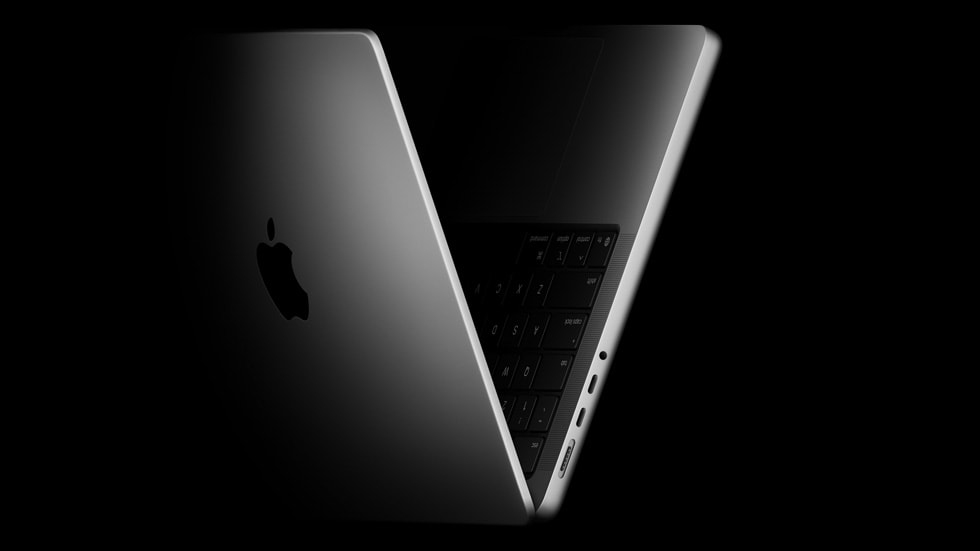
Apple’s new M5 MacBook Pro isn’t just another chip refresh—it’s the company’s boldest step yet into on-device artificial intelligence. With Neural Accelerators in every GPU core and significantly improved responsiveness, Apple is turning the MacBook Pro into a serious machine for AI developers, content creators, and professionals who depend on local performance and privacy.
But should you upgrade? Let’s cut through the specs and find out who will actually feel the difference—and who should wait for the M5 Pro or Max.
⚡ What’s New in the M5 for AI Performance
The headline feature of the M5 MacBook Pro is its GPU-based Neural Accelerators, which Apple says deliver “up to 3.5x faster AI performance” compared to the M4, and “up to 6x faster” than the M1.
Each GPU core now includes its own Neural Accelerator, purpose-built for AI math operations like matrix multiplications used in image generation, chat models, and real-time analysis.
While the 16-core Neural Engine saw a modest 30% performance boost, the real gains come from the GPU-side accelerators, dramatically improving AI inference and Time to First Token (TTFT) — the delay between your prompt and the model’s first response.
Add to that:
- Memory bandwidth: 153 GB/s (≈30% faster than M4)
- SSD performance: Up to 2.5x faster reads, per independent tests
- App compatibility: Metal 4’s new ML Command Encoder for full Neural Accelerator support
Together, these upgrades make local AI on Mac feel instant, especially in apps that adopt Apple’s latest frameworks.
🧠 How the M5 Mac Makes AI Feel Instant
In real-world use, the M5 doesn’t just process faster—it feels faster. The key metric here is TTFT (Time to First Token), the time it takes an AI model to start generating output.
Thanks to the new accelerators and Metal 4 APIs, users experience smoother, near-instant responses when summarizing documents, generating images, or running local language models.
Developers and analysts running LM Studio, Ollama, or Draw Things on Mac can expect up to 50% faster image generation and drastically improved model responsiveness once updates roll out.
📚 AI Workflows That Benefit Most from the M5
For Students and Knowledge Workers
If you often summarize PDFs, generate research notes, or use local AI tools to organize study materials, the M5 is a huge leap. The improved TTFT and bandwidth make long-context queries smoother, ideal for tasks like “Summarize these reports on Mac” or “Build briefs from PDFs locally.”
For Creators and Marketers
The new Neural Accelerators deliver massive wins in AI image generation and video frame synthesis. Local tools like Stable Diffusion and Runway run faster, making the M5 perfect for creating visuals, social posts, or ads offline — with complete privacy.
For Developers
Code assistants and model testing tools feel snappier. With faster on-device inference, you can run 7B to 13B models directly in Ollama or LM Studio without waiting on the cloud, improving productivity and privacy in sensitive coding environments.
🔒 On-Device Privacy and Apple Intelligence
Apple has doubled down on privacy-first AI. The M5 allows more tasks to stay fully on-device, reducing reliance on Private Cloud Compute.
Third-party AI apps also benefit—data never leaves your Mac when using local models, making it ideal for legal, financial, or healthcare work where data confidentiality is critical.
💡 Should You Upgrade to the M5 MacBook Pro?
| Current Mac | Upgrade Verdict | Why |
|---|---|---|
| Intel or M1 Mac | ✅ Yes, massive upgrade | Up to 6x faster AI performance, full Metal 4 and Neural Accelerator support |
| M2 or M3 Mac | ⚠️ Maybe | Worth it if you rely heavily on local AI or creative workloads |
| M4 Mac | ⏸️ Wait | The M5 uplift is meaningful but requires app updates—best to hold for M5 Pro/Max |
⚙️ How to Configure Your M5 Mac for AI
RAM (Unified Memory)
Local AI workloads are RAM-hungry. Models load directly into memory.
- 16GB: Not enough for serious AI work
- 24GB: Minimum recommended for 7B–13B models
- 32GB: Ideal and future-proof for AI professionals
Storage
AI models are huge. Plan for at least 1TB if you use multiple local models.
- 512GB: Base, too tight for AI work
- 1TB: Practical minimum
- 2TB+: Best for developers or model enthusiasts
🧩 Building a Smarter Mac AI Workflow
To truly benefit from M5 power, streamline your workflow:
- Use a unified AI client for PDFs, notes, and chat (e.g., LM Studio, ChatGPT desktop)
- Automate tasks via Spotlight and Shortcuts
- Pin and search your prompts in local apps for fast reuse
Example workflows:
- Finder Quick Action: Right-click any PDF → “Summarize with AI”
- Menu Bar Prompt: Copy text → Click → “Summarize Clipboard”
- Spotlight Command: Hit ⌘ + Space → Type “Summarize Doc”
🌐 Apple Ecosystem Integration
The M5’s AI enhancements integrate seamlessly with iPhone and iPad. With Apple Intelligence syncing across devices, you can start summarizing a document on your Mac and continue on your iPhone or iPad with no loss of context — perfect for researchers, students, and professionals on the go.
🧭 Conclusion: The First Truly “AI-Ready” Mac
The M5 MacBook Pro marks a turning point for AI computing on macOS. It’s the first Mac where on-device AI feels instantaneous and genuinely private.
- Upgrade if you’re on Intel or M1 – this is transformative.
- Wait if you’re on M4, unless you’re pushing local AI daily.
- Build smart workflows to get the most out of this hardware leap.
With the M5, Apple finally delivers what AI users have been waiting for: speed, privacy, and flexibility—all on one machine.
About The Author